


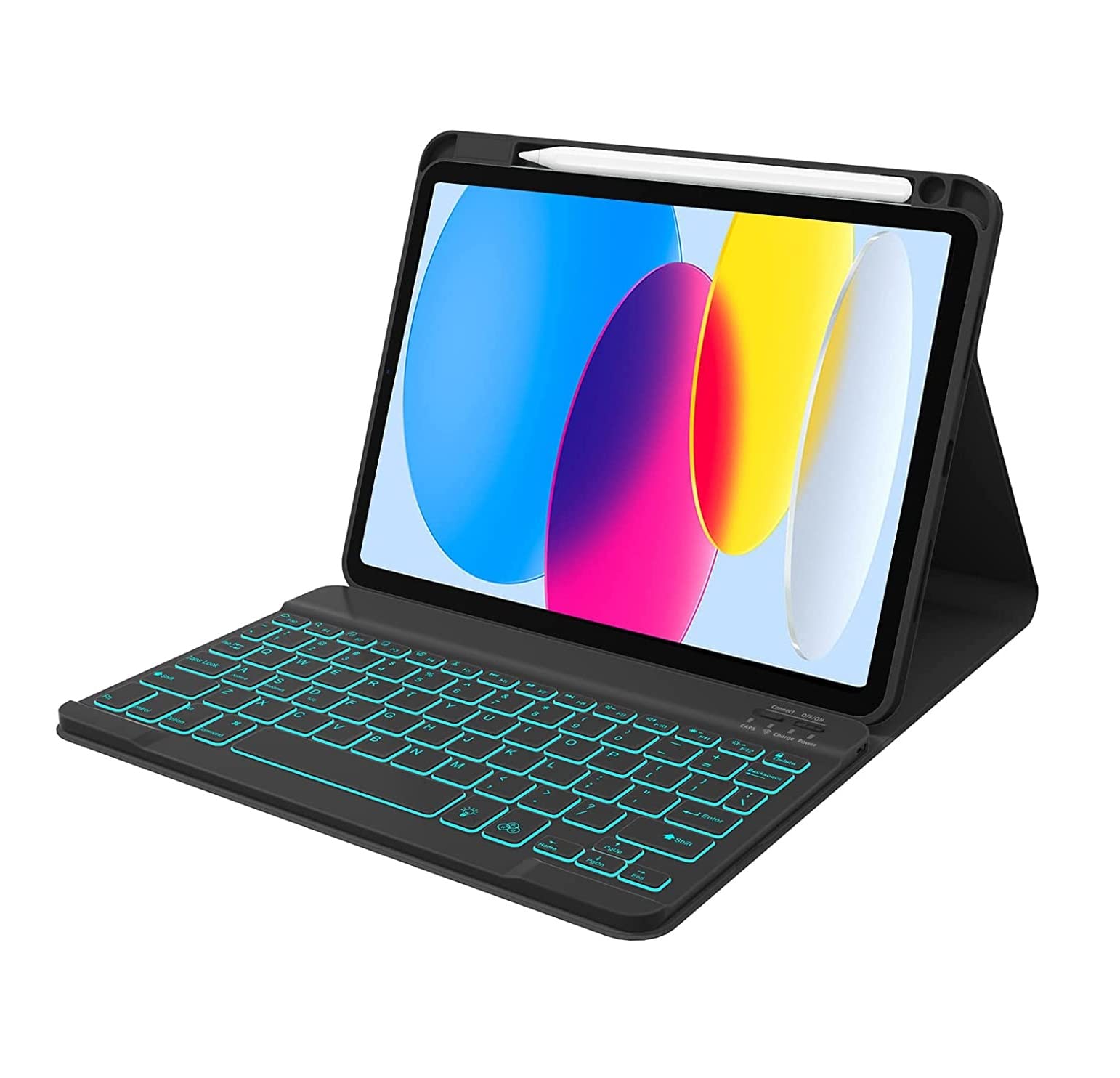
typecase Keyboard case for iPad 11 (A16, 2025) & 10th Gen with Multi Gestures Touchpad & 7-Colors Backlit, Multi Viewing Angle Stand, Pencil Slot, Magnetically Detachable Bluetooth Keyboard Cover
11 sold in last 24 hours
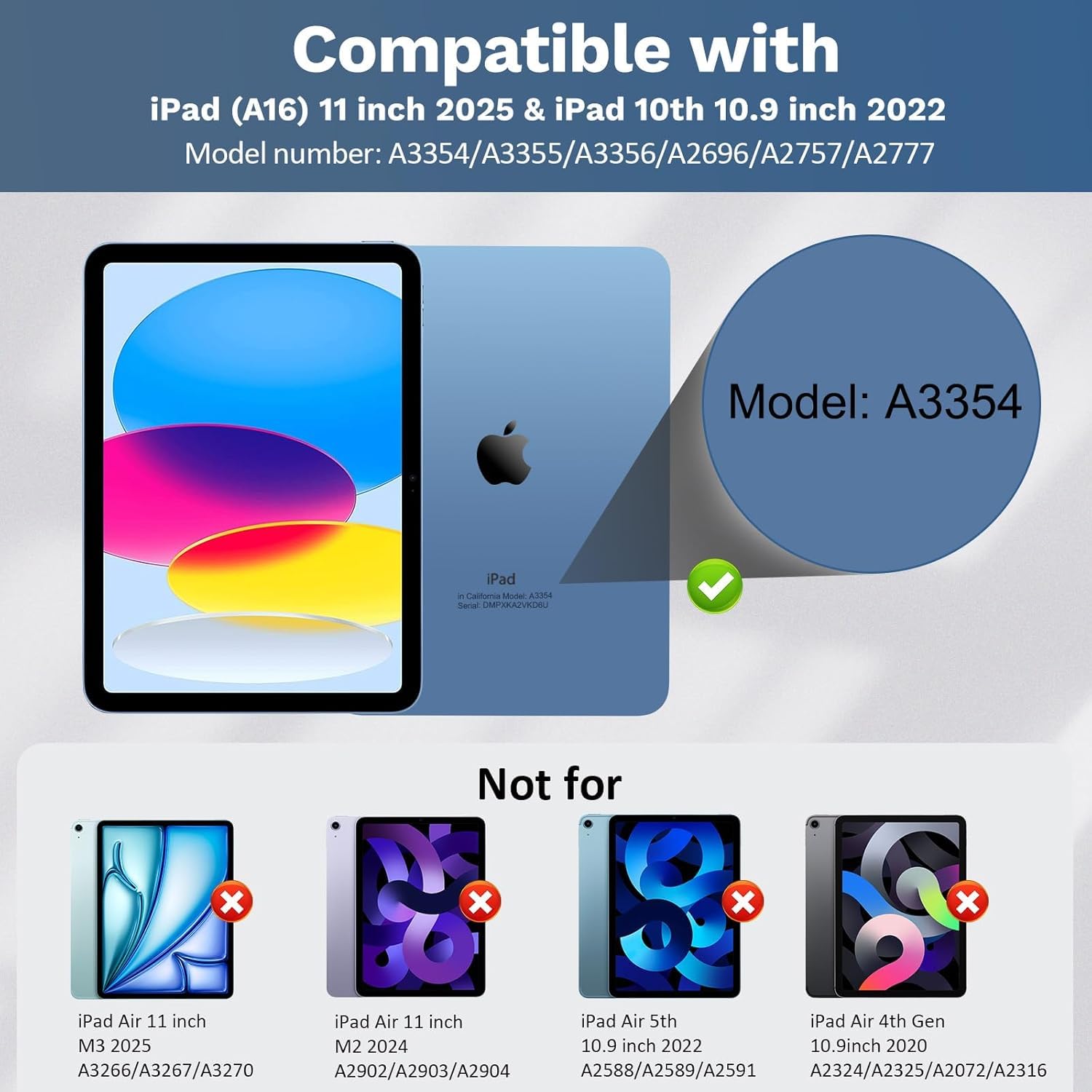
- Compatibility : Typecase Keyboard Case is Only compatible with New iPad 11th Gen(A16,2025) & iPad 10th Generation (Models- A2696, A2757, A2777 ). ⚠️⚠️⚠️Notice: NOT FIT for any other iPad like Air 11-M2/Air 5th/Air (4th generation.Please cross check your ipad Model in Setting>General>About
- Connection Steps - For Bluetooth pairing, Power ON keyboard then press Fn + C together for 2-3 seconds on typecase keyboard & then search it in your tablet Bluetooth available devices.
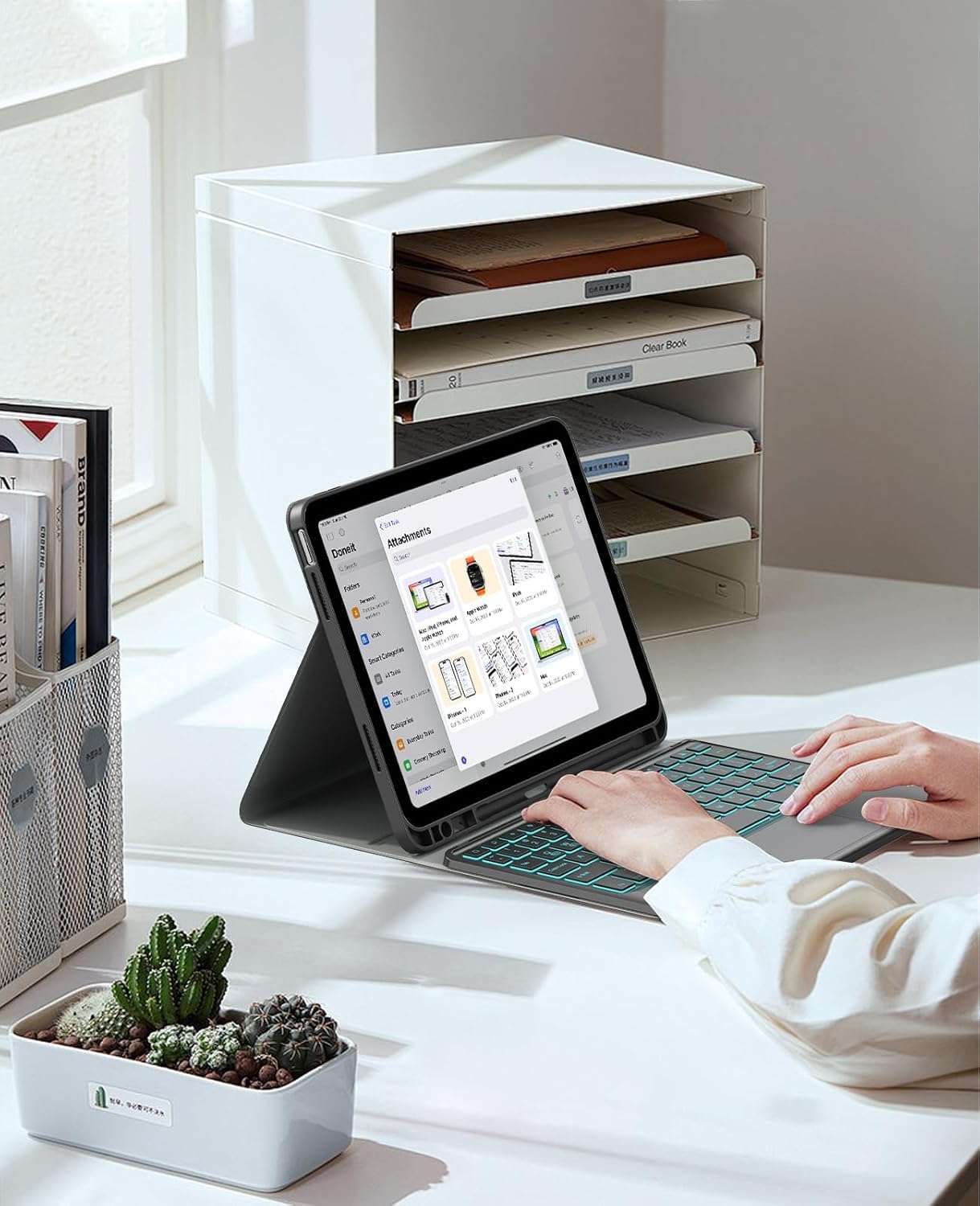
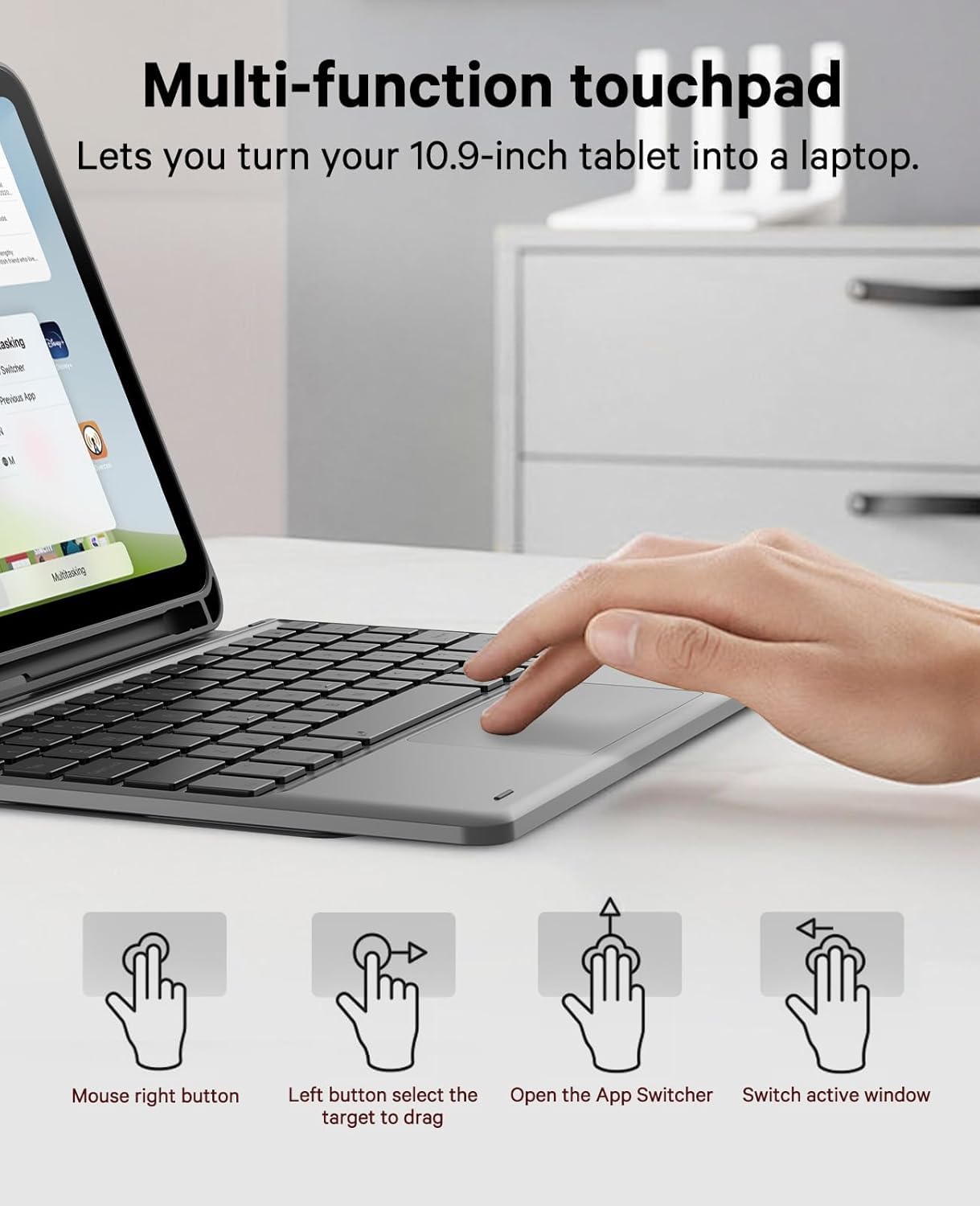
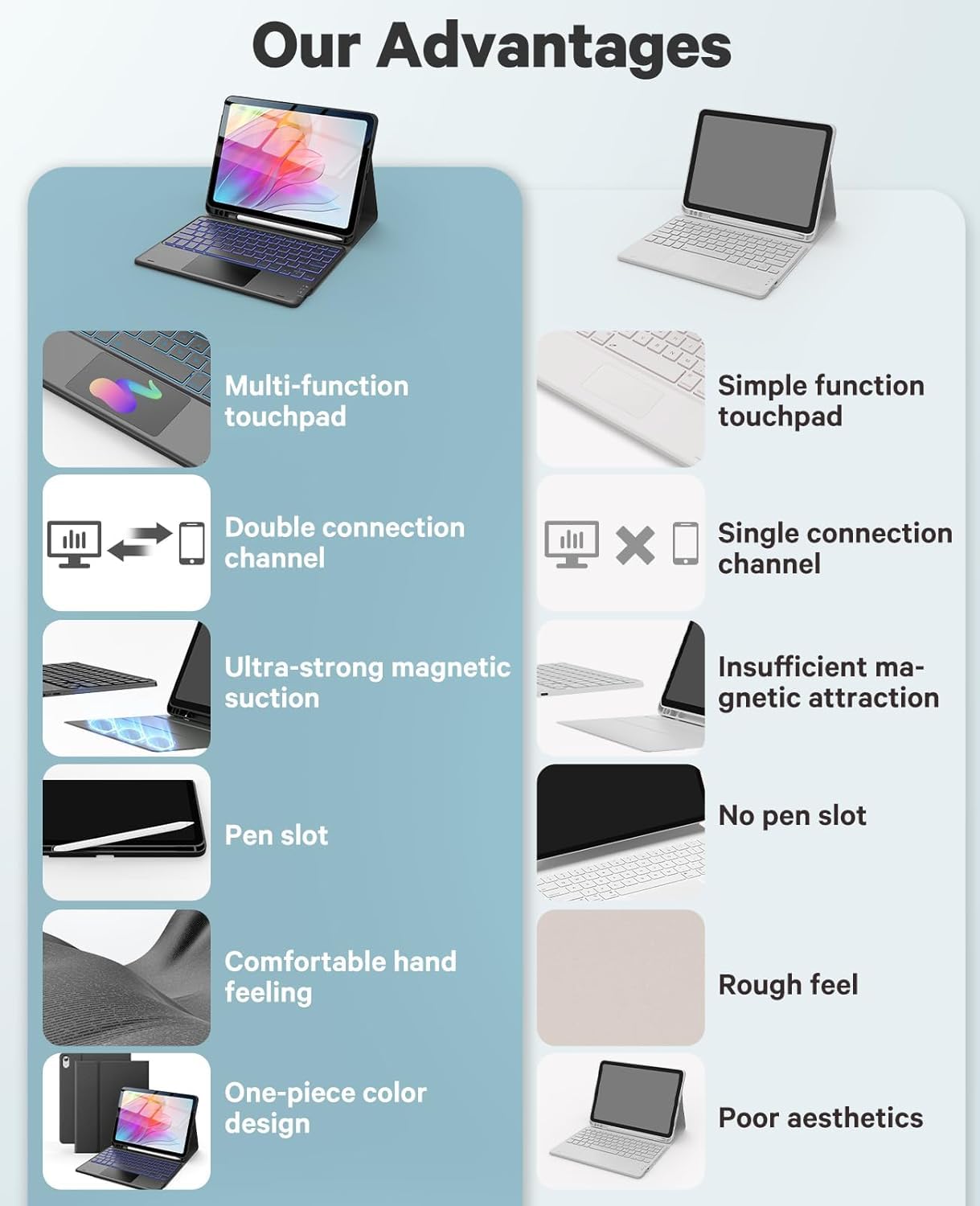
- Multi-touch Trackpad: typecase keyboard has an integrated multi-touch trackpad with various trackpad gestures, providing a comfortable usage experience while clicking, scrolling, and swiping through content.
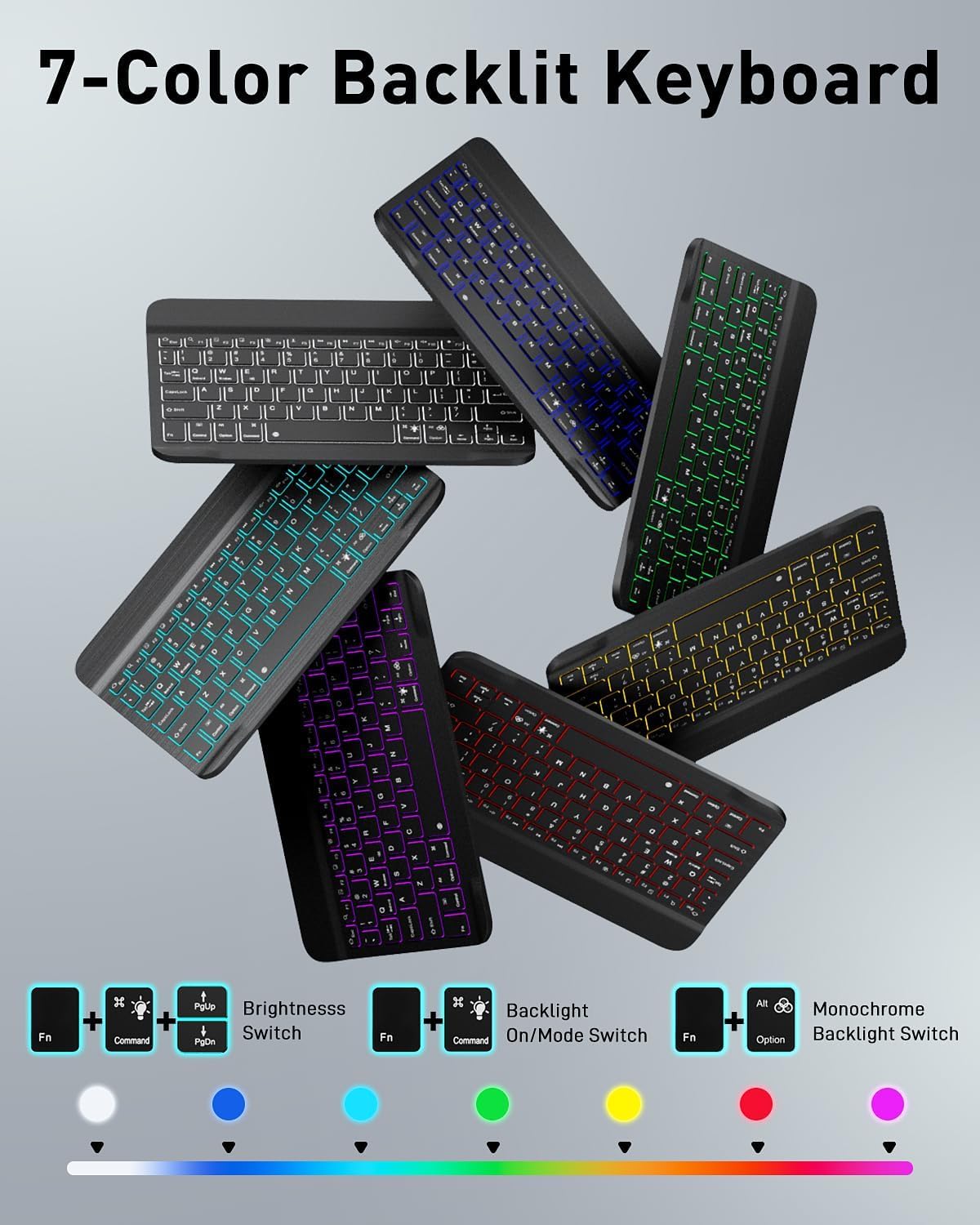
- 7-Colors Backlit : Backlits with 7-colors & 3-level adjustable brightness , engaging yourself in a free and relaxed typing experience. The backlight will automatically turn off to save power
- Bluetooth Channels & Pencil Holder: Built-in Pencil holder, cap & adapter slots, grab your Pencil, easy to carry and use. Precise cutouts allow full access to all ports
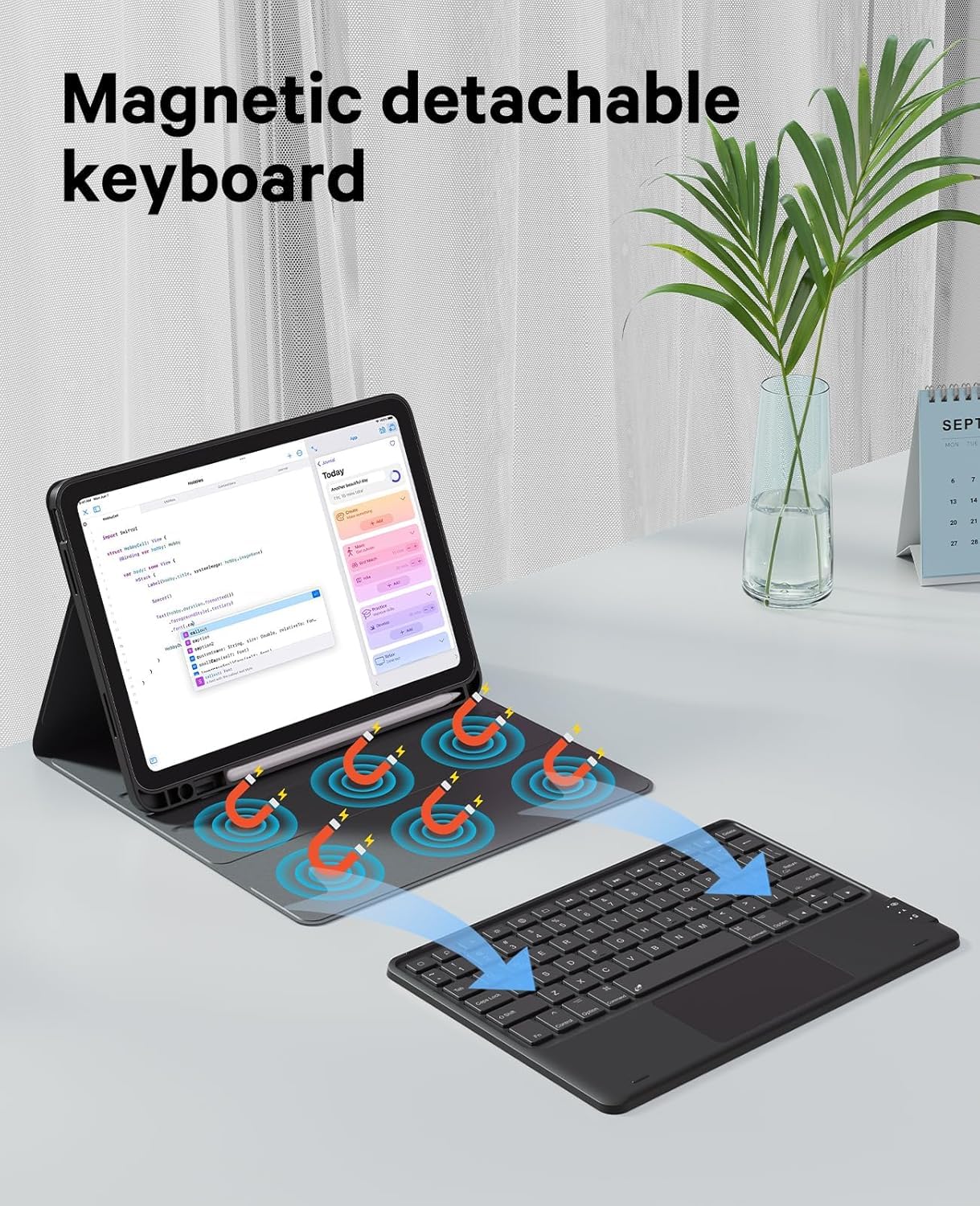
- Magnetically Detachable Bluetooth Keyboard: the intelligent keyboard case lets you switch between a lightweight laptop and your iPad. Equipped with multimedia and other useful shortcuts,
Tags |
Estimated shipping
Select a product to estimate shipping.Typecase Folio Keyboard Case with 7-Colors Backlit & Touchpad
Note for iPad Users: Before using the touchpad Keyboard , Please make sure the iPad iOS or Android Version is updated to latest version
►Package Included:
◌1 x Touchpad Backlit Keyboard & Case , USB Charge Cable . Does not contains any iPad/Tablet or any Stylus/Pencil. Product is only Keyboards + Case .
For iPad Users only >>>> For Seem-Less Experience of Typecase Keyboard, Please connect Typecase Keyboard with you iPad & make following changes in your iPad Setting.
1. For smooth function of Touchpad & Gestures
Go to Settings >> Accessibility >> Touc h >> Assistive To u ch >> Turn off/Disable Ass istiv e Touch
2. If Keys are NOT typing anything (letter/words/characters) or working non-wanted then
Go to Settings >> Access ibility >> Click on Keybo ard >> Click on Full Keyboard Acce ss >> Turn off Full Key b oard Access
3. To Enable Tap Function
Go to Settings >> Clic k Genera l setting then scroll dow n >> Click on Touchpad & typin g>> Scroll Down > > Enable/Turn on T ap to Click.
4 . If Facing issue with following keys & cursor working while pressing Keys- I ,O, U, H, J, K & L
Go to Settings >> Accessi bili ty >> click o n Touch >> Cl ick o n Assistive T ouch >> Scroll down the page & Click on Mouse Keys> > Turn off Mouse Keys
Galxay Tablet Setting for unwanted character issue
In Samsung Tablet, if you face any character issue (@, #, !, $ ) or keyboard is not typing @, #,! Character then Please go to Samsung Tablet setting & make below 2 changes in tablet setting.
1. Setting >> General Management >> Find Input Language > Select English US
2. Setting >> General Management > Keyboard Setting > Find Language > Select English US
Product details


| Main Specification | |
|---|---|
| Utilisations recommandées pour le produit | Personnel or Entreprises or Everyday or Éducation or Étudiant |
| Fabricant | typecase inc, www.typecase.in, [email protected], 9999325592 |
| Numéro d'unité | 1.0 Pièce |
| Nombre de piles | 1 |
| Dimensions de l'article L x L x H | 27L x 20W x 2.5H Centimeters |
| Orientation des mains | Ambidextre |
| Description du clavier | Sans fil |
| Marque | typecase |
| Nombre d'articles | 1 |
| Technologie de connectivité | Bluetooth |
| Source d'énergie | Batterie alimentée |
| Appareils compatibles | iPad 10th & iPad 11th Gen (A16 , 2025) |
| Couleur | Noir |
| Product information | |
| Type de commutateur | Membrane |
| Nombre d ' emballages | 1 |
| Technical Details | |
| Pays d'origine | Chine |
| Item details | |
| Nom du type d'élément | Clavier du comprimé |
| Style | |
| Nom du style | 10th & 11th Gen Backlit & Trackpad |
| Others | |
| Caractéristiques du produit | Léger or Ergonomique or Remboursable or Multi Angle Stand |
| Table des matières | Câble usb or Cas de clavier |
| Coordonnées de l'emballeur | typecase Inc. or www.typecase.in or [email protected] or 9999325592 |
| Coordonnées de l'importateur | Typecase Inde (Pentagramme numérique) or www.typecase.in or [email protected] or 99999325592 |
| Emplacement de l'antenne | Entreprises or Éducation or Personnel or Étudiant or Tous les jours |
| Type de produit | Clavier du comprimé |
| Matériel de fermeture | Plastique |
| Poste Poids Unité de mesure | 630 grammes |
| Coordonnées du fabricant | www.typecase.in, [email protected], 9999325592 |
| Quantité de bouton | 78 |
| Famille de systèmes d'exploitation compatibles | iPadOS |
| Mise en page du clavier | QWERTY |
| Nombre de clés | 78 |